

Last Updated on April 12, 2026
One of the strengths of Linux is the vast number of small, niche utilities that are made available under an open source license.
One of the most basic utilities supplied with any operating system is a clock utility. The clock typically resides in the taskbar / menubar, showing the current system time. Nothing very exciting there.
multiClock is software that lets you track the current time in major financial centres around the globe. It’s free and open source software.
Installation
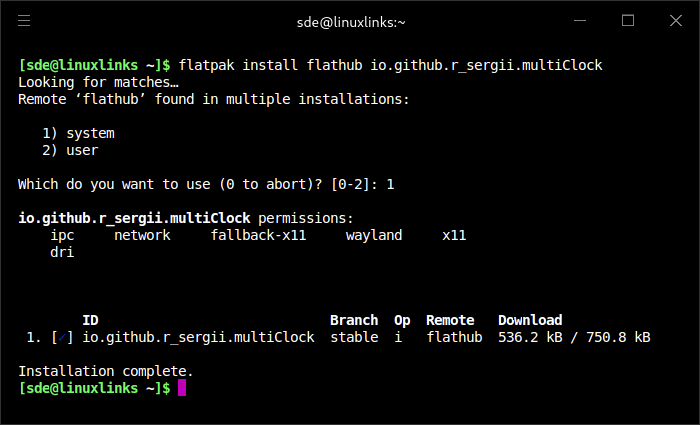
We evaluated multiClock using Manjaro, an Arch-based distro. We installed the software using Flatpak, an open source containerized package format similar to Snap. While Snap relies on a central repository for software, Flatpak can be installed from different sources. The primary source is Flathub.
We installed the software from Flathub.
$ flatpak install flathub io.github.r_sergii.multiClock
In Operation
By default, the program displays the clocks in a vertical alignment with all cities selected. But it’s easy to change them into a horizontal alignment just by resizing the window, as well as the ability to unselect some of the cities.
Here’s an image of the program in action. We’re only showing some of the cities.

The software is designed to help Forex traders who are away from their trading monitors. The interface is very simple, it displays a country flag for each city. The software takes into account daylight saving time.
There’s also internationalization support.
Summary
multiClock only saw its first public release a few days ago. The project is off to a good start. We’d like the ability to add additional cities which would extend the usefulness of the program to other individuals besides Forex traders. And the ability to rearrange the cities would also be a great improvement.
We’ll be adding multiClock to our roundup of the best free and open source clock applications.
Website: github.com/LukeZBaker/multiClock
Support:
Developer: Sergey Rudchenko
License: Apache License 2.0
The developer’s GitHub repository was deleted today, so we’ve substituted the link with a temporary repository.
multiClock is written in Vala. Learn Vala with our recommended free books and free tutorials.
Related Software
| GUI Clocks | |
|---|---|
| KClock | Convergent clock application for KDE Plasma |
| GNOME Clocks | Stopwatch, timer, alarms, and multiple clocks |
| QTalarm | Qt based alarm clock |
| catclock | xclock with an enhanced cat mode |
| svg-clock | Analog clock using Scalable Vector Graphics |
| retro | Customizable clock widget |
| multiClock | Track the time around the world |
| Alarm Clock | Fully-featured alarm clock for your GNOME panel or equivalent |
| xdaliclock | Advanced xclock substitute |
| dclock | Displays the time in digital format only |
| Lumalarm | Smart alarm clock that wakes your computer from sleep |
| Hyprclock | Customisable clock application for the Hyprland window manager |
Read our verdict in the software roundup.
 Explore our carefully curated directory of recommended free and open source software, covering every major software category. Explore our carefully curated directory of recommended free and open source software, covering every major software category.The directory forms part of our extensive collection of articles for Linux enthusiasts. It includes hundreds of detailed reviews, together with free and open source alternatives to proprietary software from companies such as Google, Microsoft, Apple, Adobe, IBM, Cisco, Oracle, and Autodesk. LinuxLinks also covers interesting projects worth exploring, Linux-compatible hardware, free programming books and tutorials, and much more. Know a useful free and open source Linux application that we haven’t covered? Tell us about it using our submission form. |
Please read our Comment Policy before commenting.